
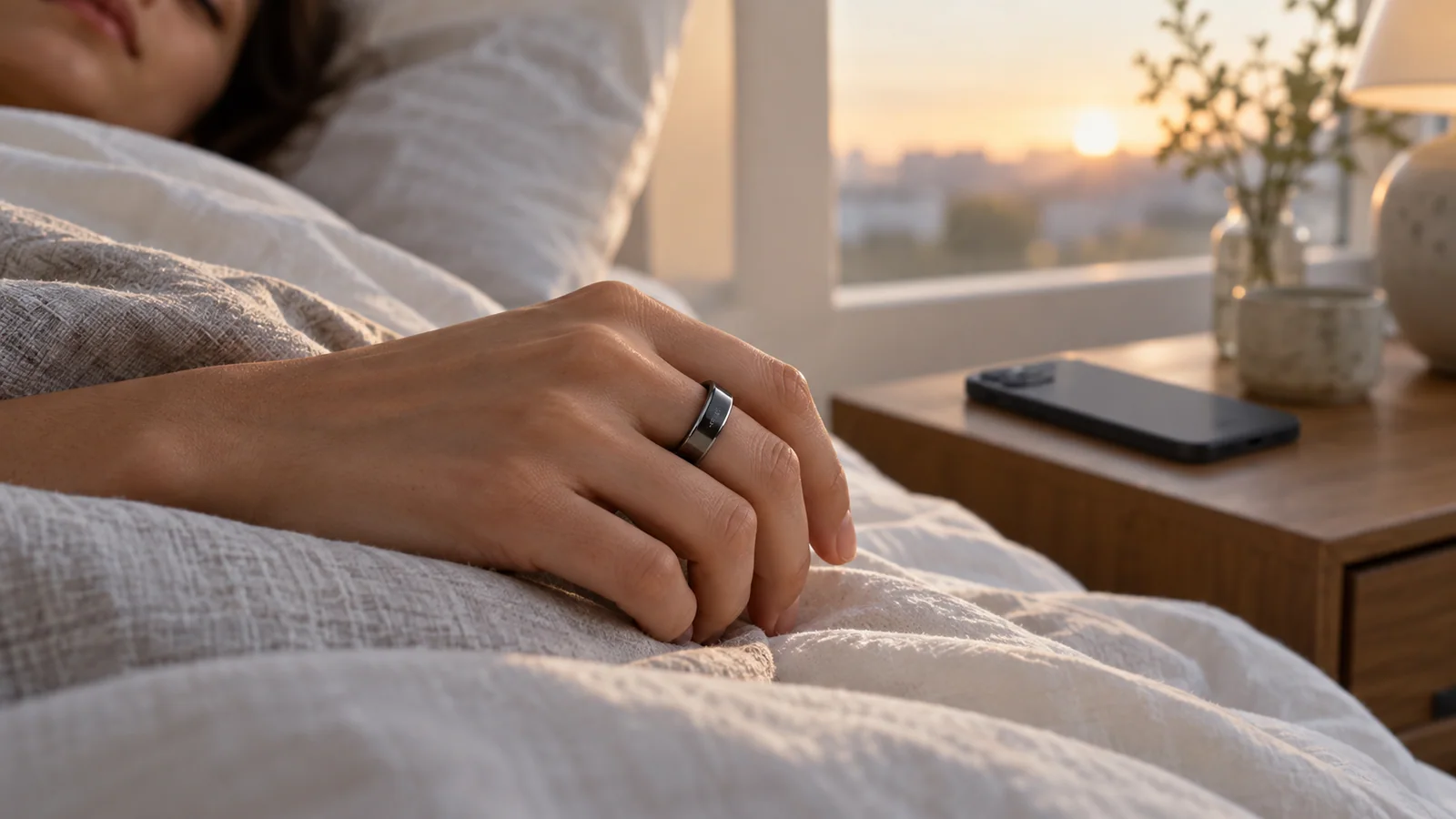
Do not assume the ring is broken.
A Smart Ring generally relies on stable contact between its optical sensors and your skin. Even when the fit looks correct, several conditions can create a temporary gap:
- Contact shift: Turning during sleep, changing finger size, or slight ring rotation can briefly reduce stable sensor contact.
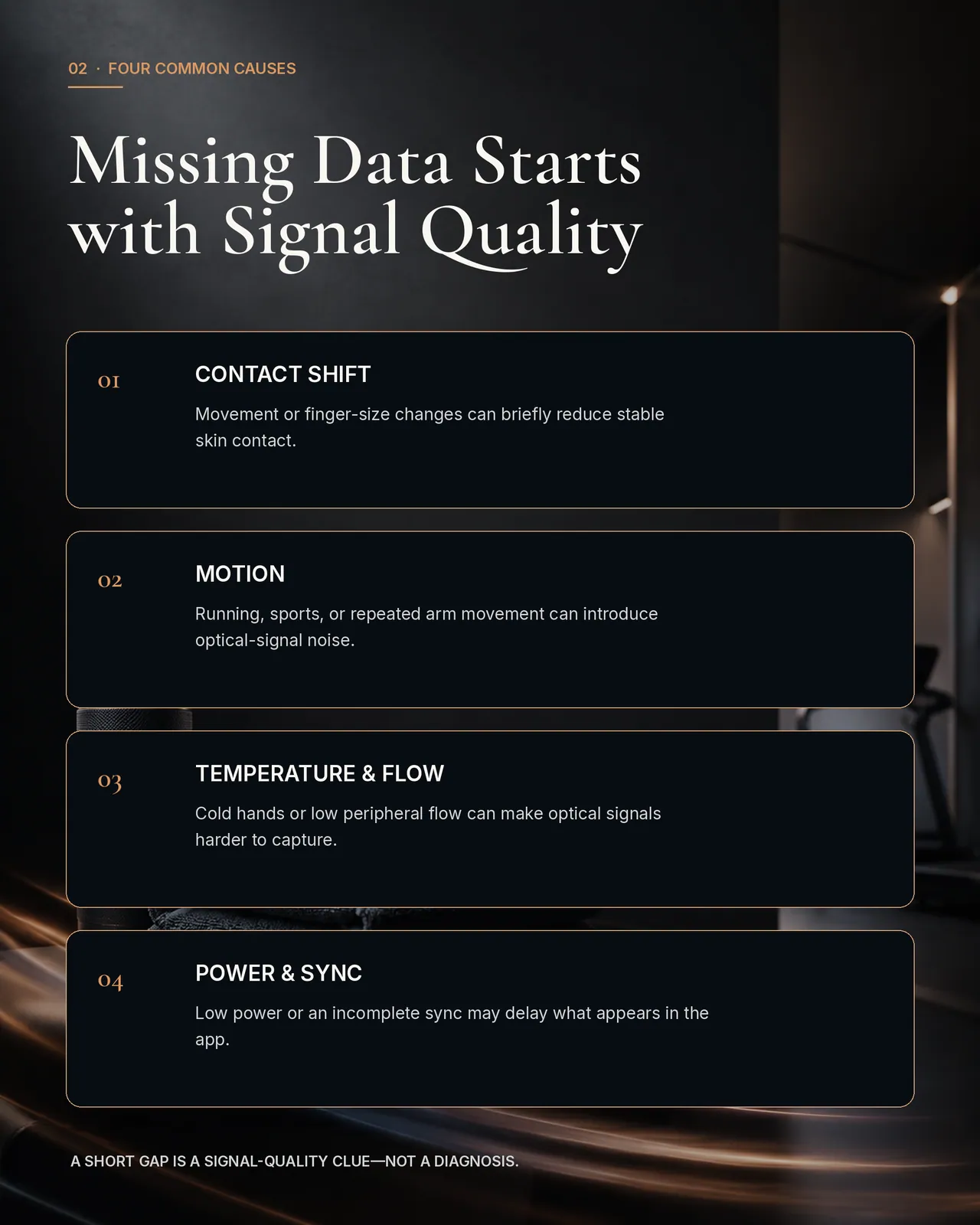
Motion: Running, racket sports, strength training, or repeated arm movement can introduce noise into an optical signal.
Hand temperature and peripheral flow: Cold hands or lower peripheral circulation can make optical signals harder to capture consistently.
Power and syncing: Low battery, an interrupted connection, or an incomplete app sync may delay what appears in your data.
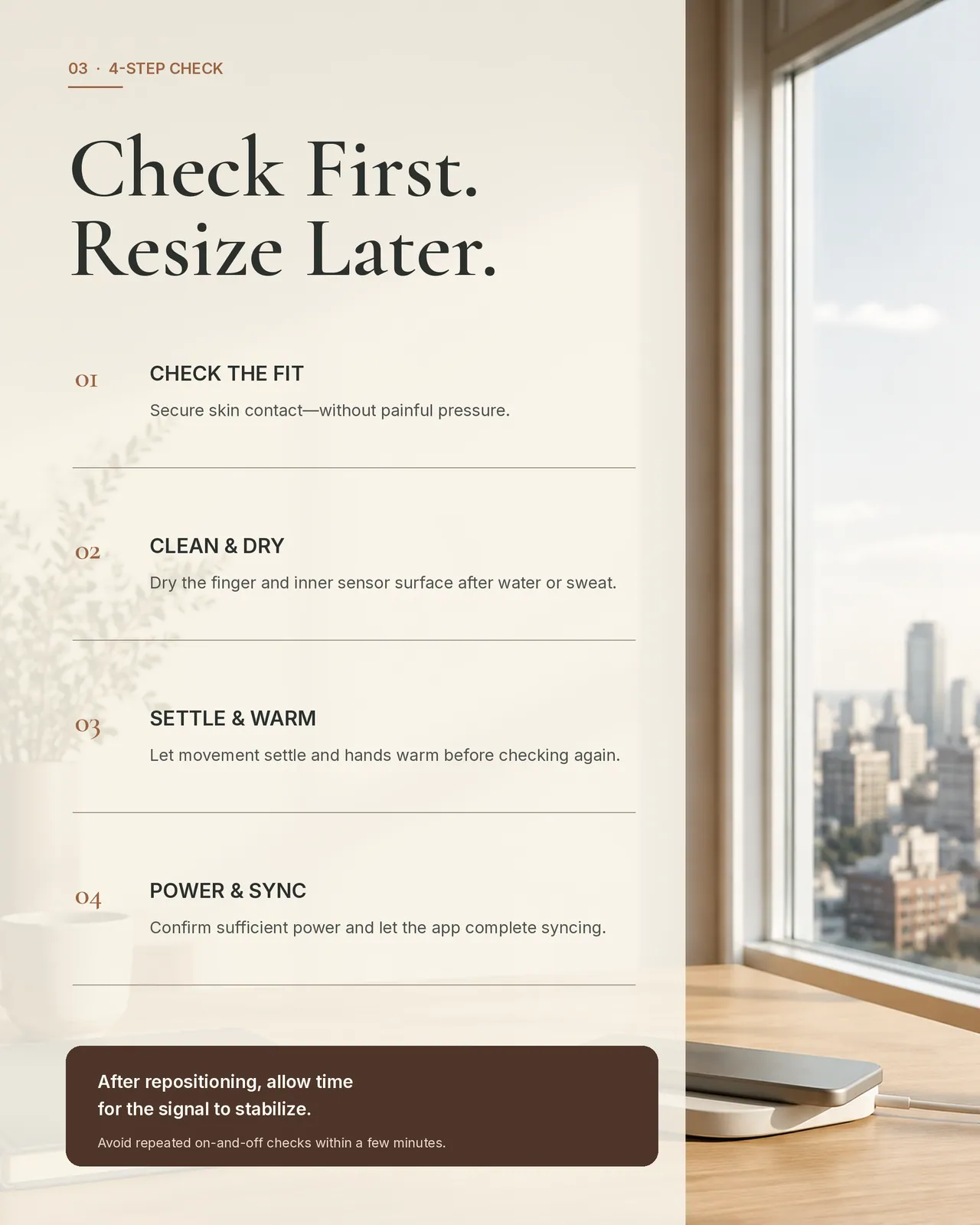
When you notice a gap, check these four things
Confirm that the ring maintains skin contact and stays in position without painfully squeezing the finger.
Keep the finger and inner sensor surface clean and dry, especially after swimming, showering, or heavy sweating.
Allow movement to settle and your hands to warm before checking again.
Confirm sufficient battery power and allow the app to complete syncing.
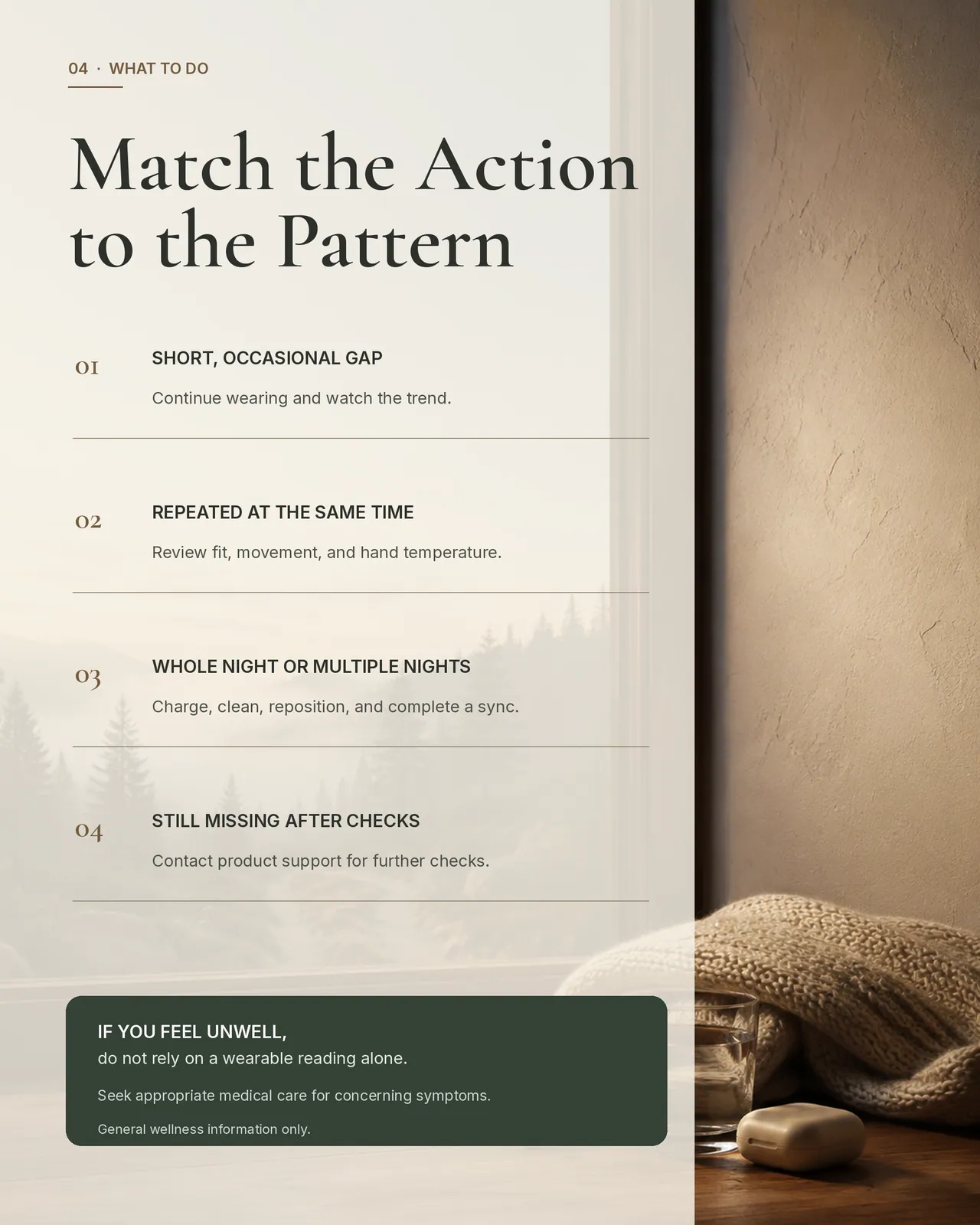
For one short, occasional gap, continue wearing the ring and watch the overall trend. If missing data repeatedly appears at the same time, review fit, movement, and hand temperature.
If an entire night—or several nights—is missing, charge, clean, reposition, and sync the ring. Contact product support if the issue continues after these checks.
A data gap is not a diagnosis and does not automatically indicate a health problem.
Continue with the complete guide
Fit is part of measurement quality
Optical sensing depends on repeatable skin contact. The ring should stay oriented during ordinary movement without spinning freely, yet it should not cause pain, numbness, tingling, unusual color, or a persistent deep mark. A tighter fit is not automatically a more accurate fit. Excess pressure can be uncomfortable, while a loose ring can move the sensors away from their intended position.
Finger circumference changes during the day. Heat, exercise, hydration, sleep, travel, and temporary swelling can all alter how the same ring feels. Test the intended size through normal work, hand washing, walking, and sleep instead of judging it from a single daytime fitting. Brand sizing systems can differ, so use the current product's sizing method whenever possible.
Check the signal before blaming the sensor
When data is missing, review battery level, sync history, sensor cleanliness, hand temperature, movement, fit, and whether the ring was removed. Change one variable at a time and compare the next few nights. This gives support teams useful evidence and avoids turning one gap into a broad accuracy claim.
Remove the ring if you experience pain, numbness, tingling, unusual color, coldness, or worsening swelling. Seek appropriate medical help if symptoms persist or the ring cannot be removed safely.
Frequently Asked Questions
Should a smart ring leave a mark?
A light temporary impression can occur, but pain, numbness, persistent deep marks, or skin-color changes are reasons to remove it and reassess the size.
Can I use my jewelry size?
It can be a starting point, but smart-ring geometry and brand sizing can differ. A product-specific sizing kit or method is more reliable.
Which finger gives the best data?
Follow the manufacturer's placement guidance and choose a finger that keeps stable, comfortable contact across the day and night.
Sources and Further Reading
Continue Exploring
This article provides general wellness education and does not replace professional medical advice.
منتجات EnergyMo أجهزة عافية للمستهلك وليست أجهزة طبية. لا تُستخدم لتشخيص أو علاج أو شفاء أو منع أي مرض. المعلومات المقدمة ليست نصيحة طبية.
تتبع ما يخبرك به جسمك
يجمع خاتم EnergyMo النوم والتعافي والحركة اليومية في جهاز أنيق واحد.